



Recent Posts
Hero Header Part II
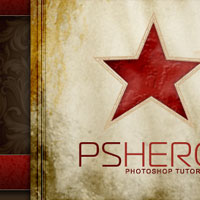
Welcome back for Part II! In this episode we are going to explore the techniques used in building the aged paper background, borders and grungy star used in the current PSHERO header.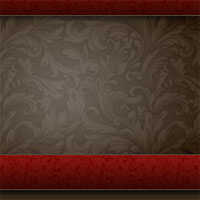
Hero Header Part I
I've had quite a few requests for a tutorial on how I created the previous pshero.com site header, so this tutorial will cover creating the background and red bars of the project.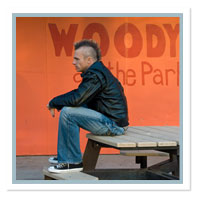
The Double Matte Effect
Often times as Photoshop users, both beginner and advanced, we get so used to using a tool in a certain way that we often overlook it's possibilities. I had a recent request for a tutorial on creating a digital "matte" effect so I decided to tackle the idea using a set of layer styles which could be saved and reused easily.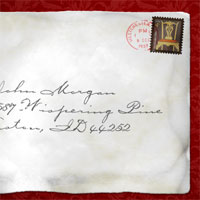
Create An Old Envelope
I've had several requests since posting the Postage Stamp lesson for a follow-up on how to create the envelope used in that tutorial. Well today my Photoshop friends your prayers have been answered. Here's the step by step to creating that cool old envelope.
Basic Photo Reflections
In this Photoshop tutorial I'll show you how to create realistic reflections on water already present in your favorite photographs.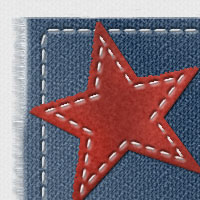
Frayed Denim Patch With Stitches
In this Photoshop tutorial we will be creating a denim textured patch with stitching. This technique uses the Fill command, a few artistic filters, Wind and a few basic layer styles.
Creating A True .EPS File Using Vector Masks
In this Photoshop tutorial I will show you how to take an illustration created using Vector Masks in Photoshop, turn it into an Illustrator file with all the associated paths, layers and colors and from there turn it into a true .EPS file.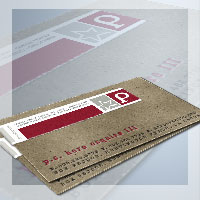
Cardboard And Torn Paper Business Card
In this Advanced Photoshop tutorial we'll create a nice cardboard effect and play with a neat torn edge effect.Please note that this is an advanced tutorial and certain assumptions have been made about your ability to get around inside the Photoshop interface.
Wrapping Text Around An Object
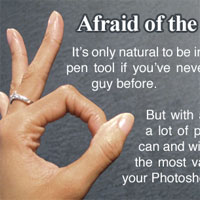
In this Photoshop tutorial I'll show you how to wrap text around an object like you can in Illustrator or InDesign using simple paths and a little creativity... well that plus a working knowledge of the pen tool.