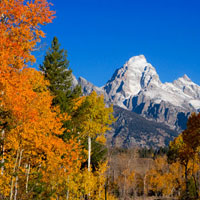
In this Photoshop tutorial you will learn how to create look of Fujifilm Velvia film, specifically the slight over saturation that has made Velvia so popular by landscape photographers through the years when film ruled photography.
Category: Photo Effects | Comments: 19
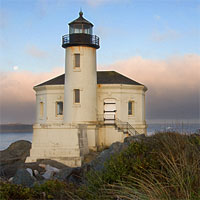
In this Photoshop tutorial I'll show you a creative and extremely effective way to improve an overexposed image by using Luminosity and the Multiply blend mode.
Category: Photo Effects | Comments: 9
In this Photoshop tutorial we will create a nice liquid text effect using a free texture found online, a radial gradient, a blending mode change and a few simple layer styles.
Category: Text Effects | Comments: 15
In this Photoshop tutorial I will demonstrate how easy it is to create a Web 2.0 style navigation bar with just a few selections and layer styles.
Category: Graphic Design | Comments: 16
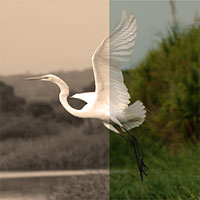
In this Photoshop tutorial I'll show you an easy way to create that old photo "sepia tone" look in just a few basic steps.
Category: Photo Effects | Comments: 6
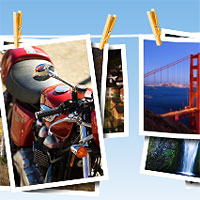
In this Photoshop tutorial we will create a clothesline effect using the pen tool, the warp tool, a few basic layer styles and some of your own photos.
Category: Graphic Design | Comments: 26
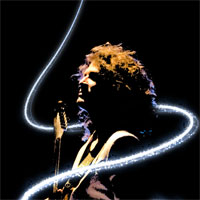
In this tutorial we will use the pen tool, paths brushes and brush dynamics along with a neat little trick using thresholds to create a cool album cover look.
Category: Graphic Design | Comments: 41
In this tutorial I will show you how to make basic water drops in three dimensional space using the elliptical marquee tool, free transform, duplicate layer and a few simple layer effects.
Category: Graphic Design | Comments: 47
In this tutorial I will show you how to create the Adobe CS3 style icons using some basic gradients and layer styles.
Category: Graphic Design | Comments: 20
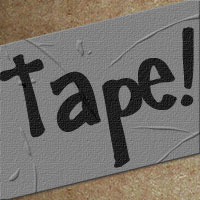
In this tutorial we will create a cool virtual duct tape effect using the texturizer and layer styles tools.
Category: Graphic Design | Comments: 22